🤸 Colab
Coding Activity Facilitator Guide
Schedule
- Lecture (up to 1 hour);
- Python activity + Discussion (up to 2 hours);
- Google CoLab notebook ”SAL Activity” provided in Google Drive.
Python Activity Instructions
Introductory Lecture
Please utilize the accompanying Introductory Lecture Slides for this activity.
Before the Workshop
- Before the workshop begins, please send out an email to the organizers asking them to ensure that all participants have a Google GSuite account, are familiar with Google Drive, and have the Google CoLaboratory (Colab) extension installed.
- Participants should also be encouraged to explore the Colab welcome site prior to the workshop if they are not familiar with the platform.
- The recommended browser for this workshop is Google Chrome.
⚠️ If participants do not have Google CoLab, they can do so with the following process (expand)
1. Click the “New” button on the left hand side of the Google drive page.
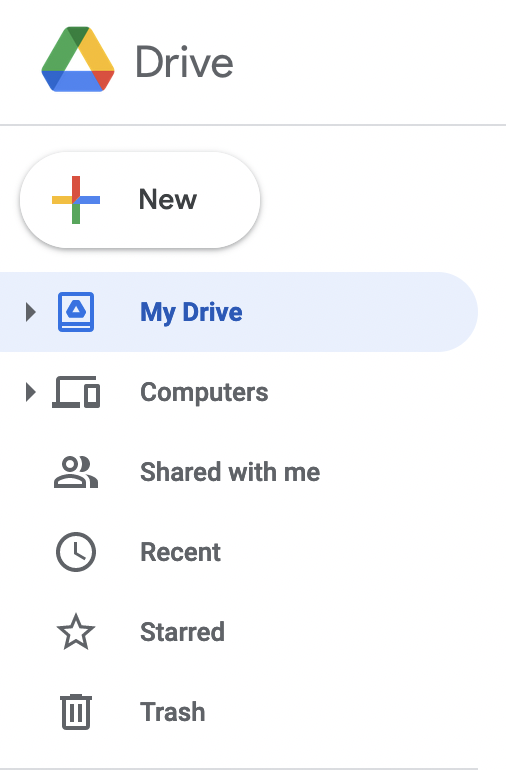
2. Then scroll down to the “More” option from the popup menu.
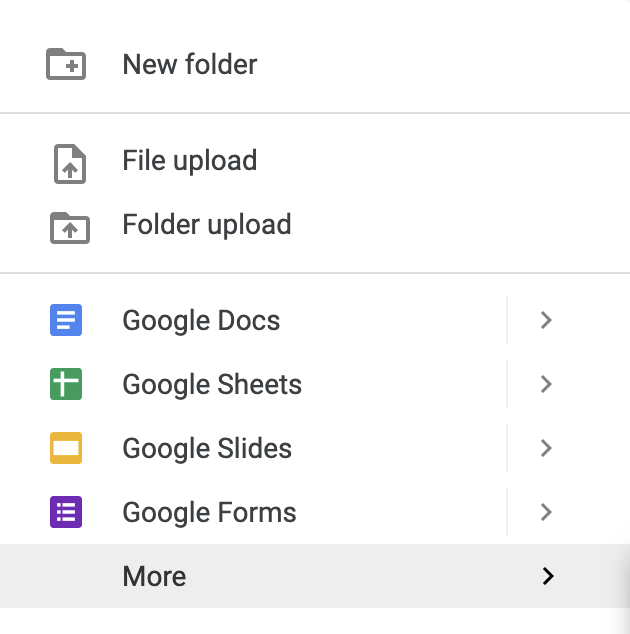
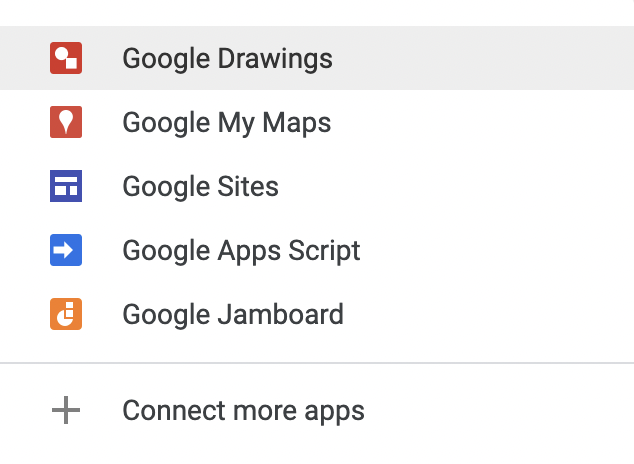
3. Next, scroll down to the “Connect More Apps” option on the second pop up menu and click on it.
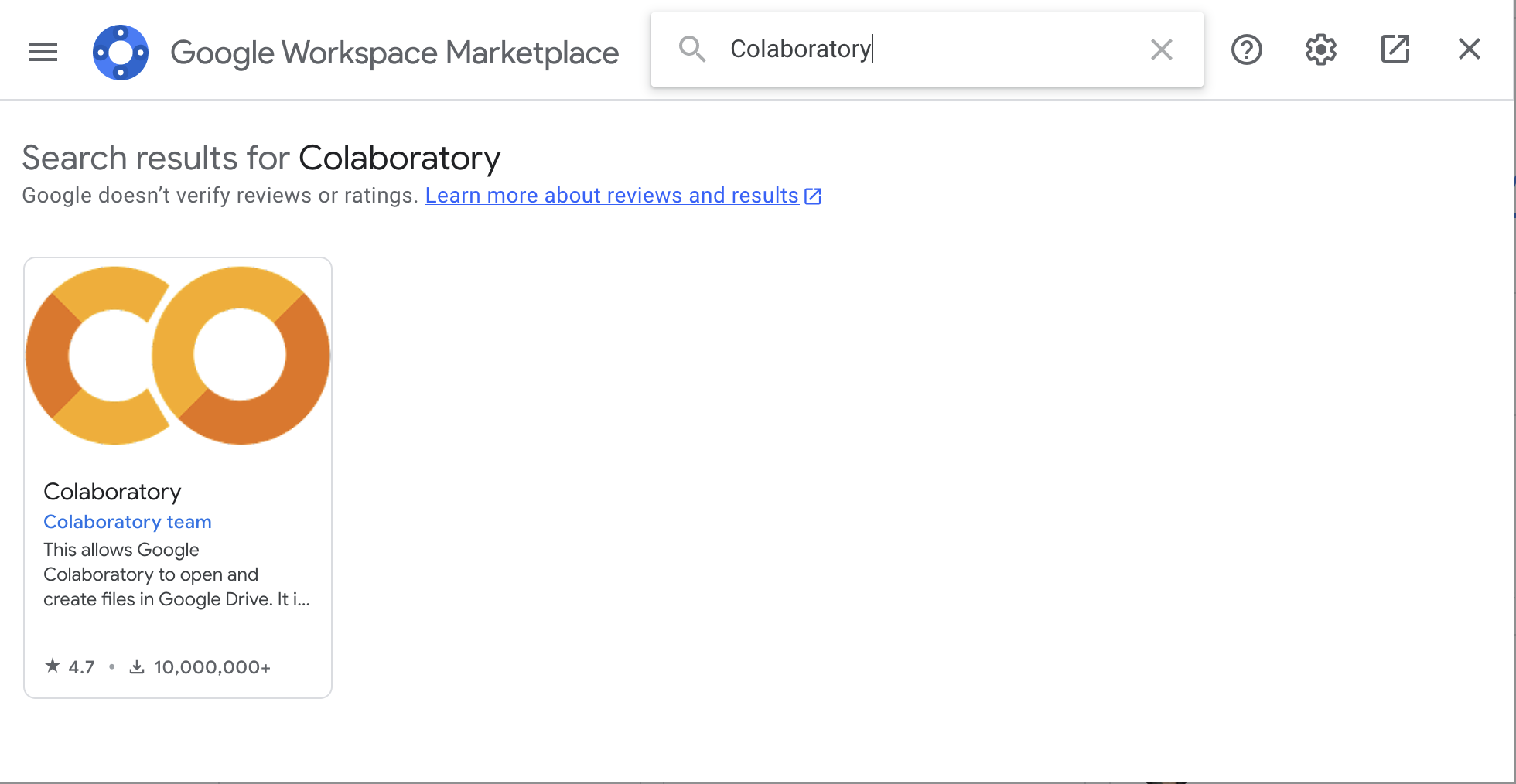
4. This should bring up the Google Workspace Marketplace.
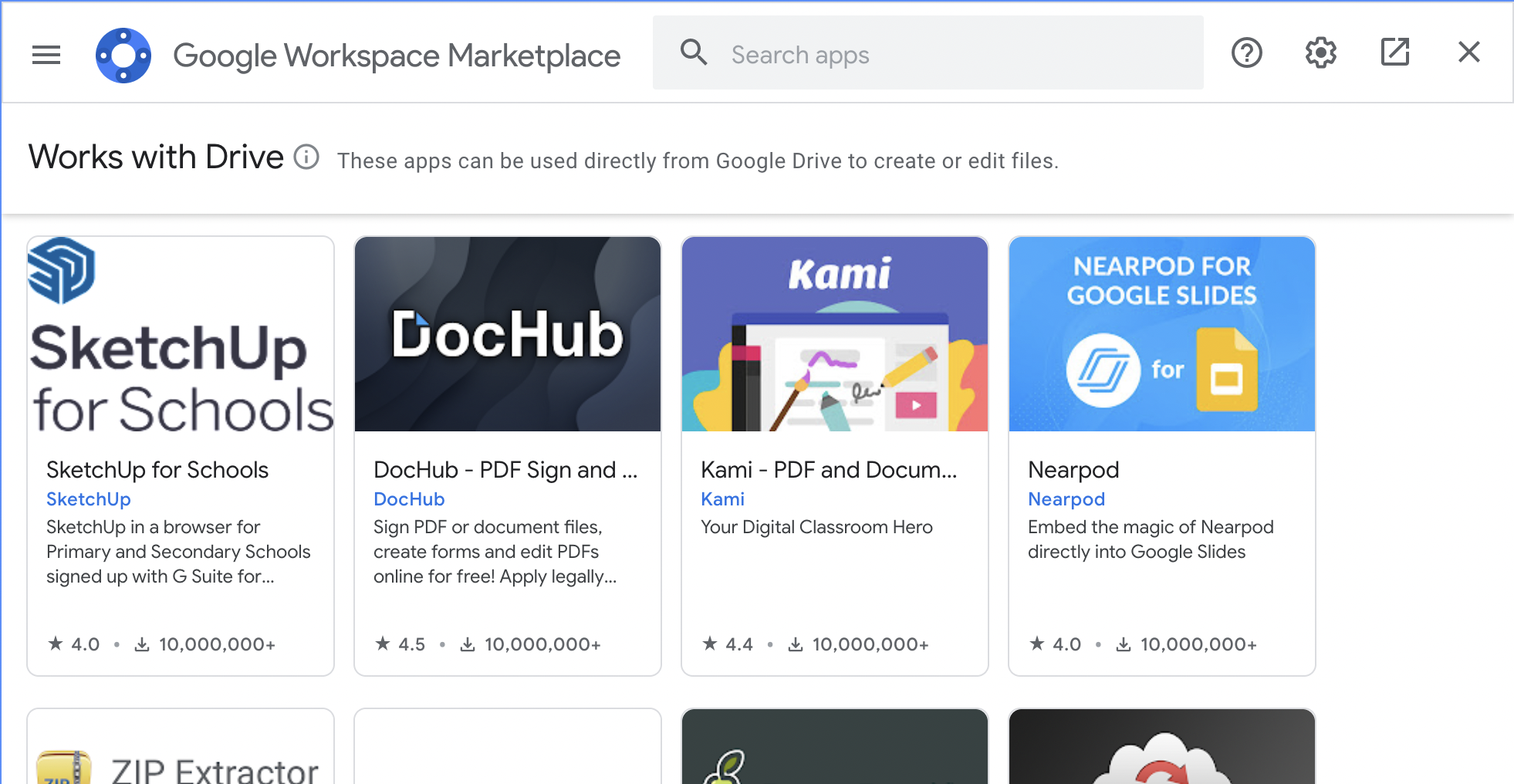
5. Use the search bar to search for Colaboratory, and select the option that shows up.
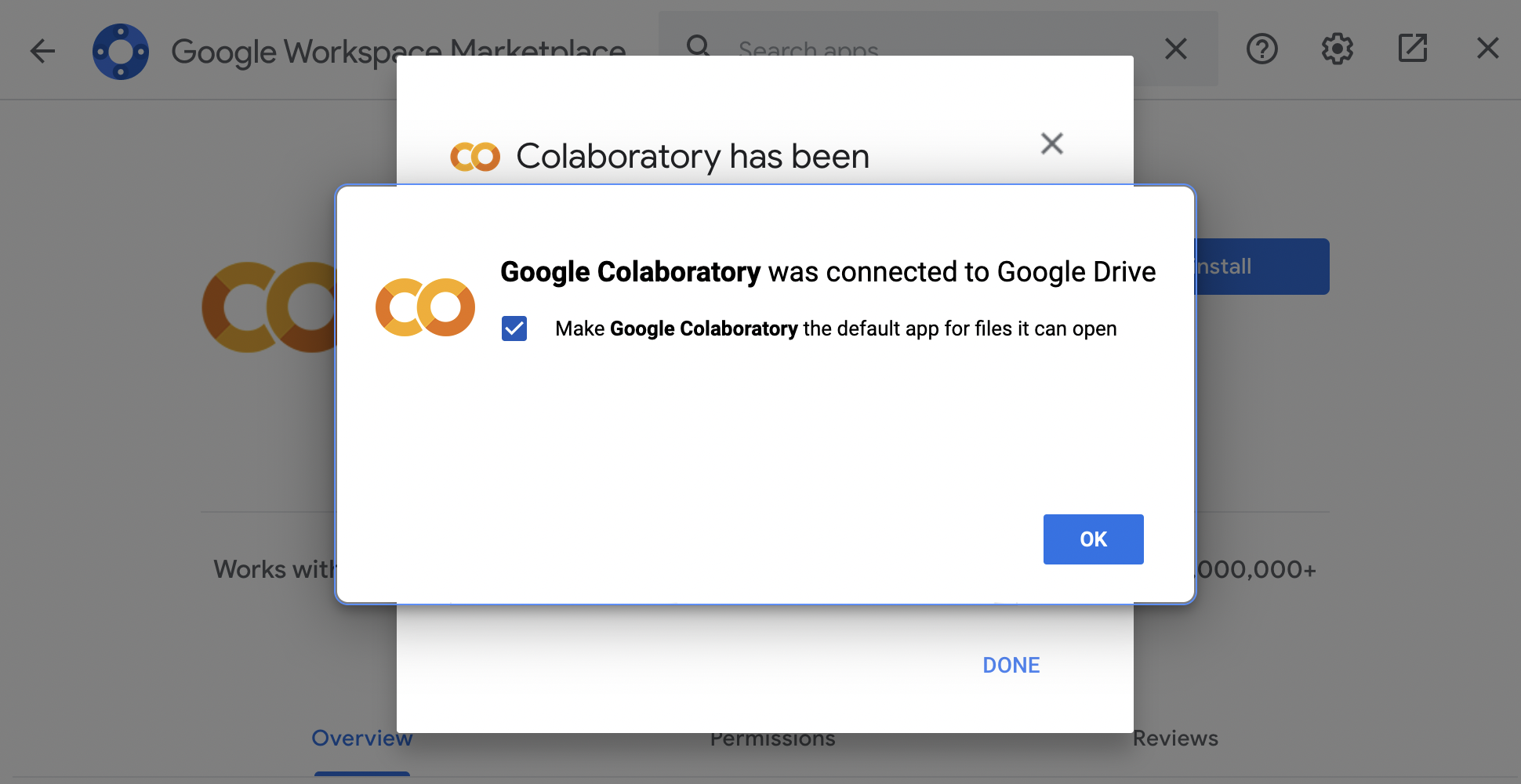
6. Click the blue “Install” button, give the extension the necessary permissions.
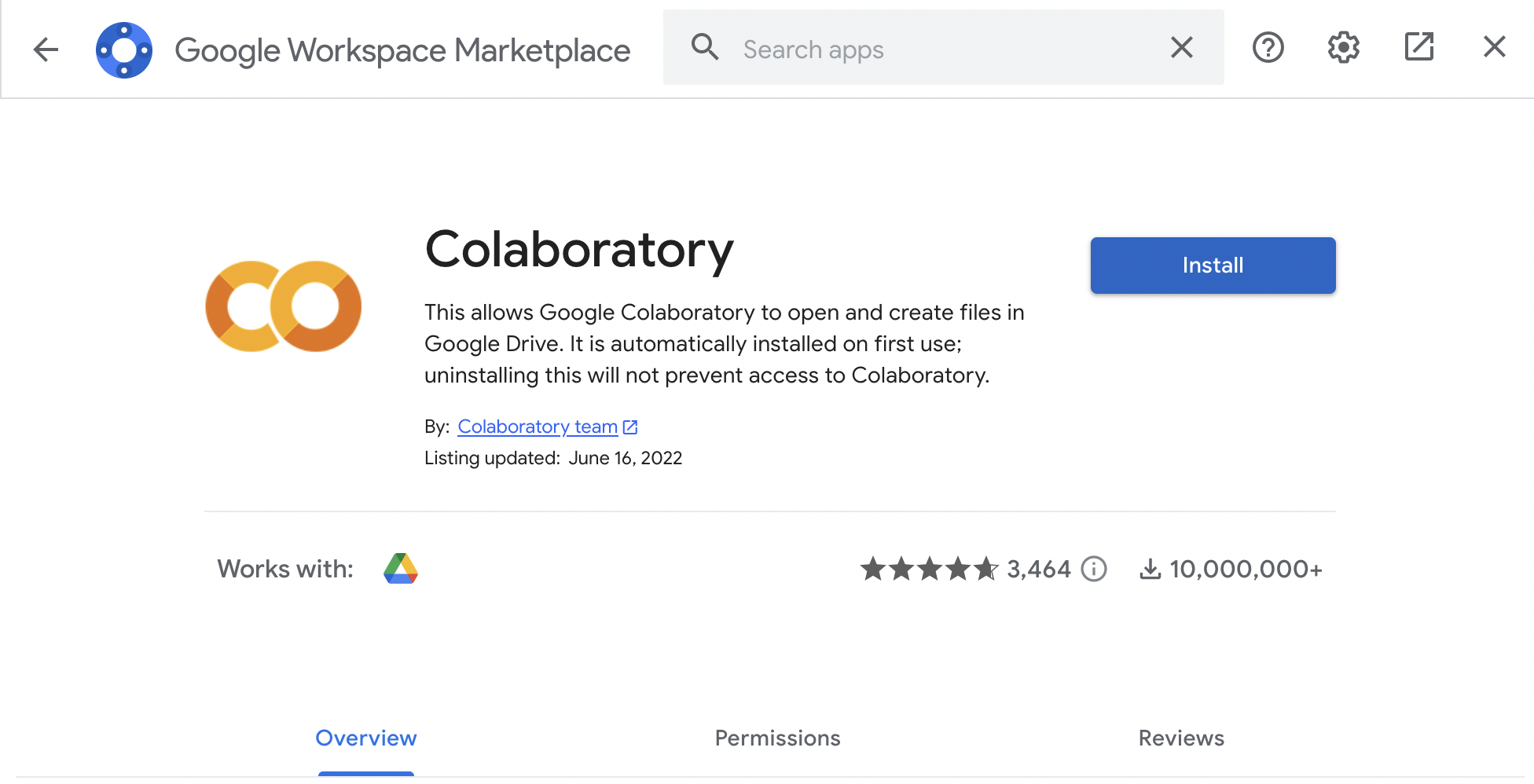
... and you should be set up!
During the Workshop Introduction
Provide students with the link to the zip file containing the notebook and relevant data files:
- Ask the students to download the zip file onto their computer, and unzip the files.
- Then, ask them to upload the folder to their Google Drive and rename the folder “THEIRNAME_WorkshopName”. The path to get to the folder should be ‘/content/drive/My Drive/THEIRNAME_WorkshopName.
- Ask the students to modify the path in Block 4 to reflect this During the Workshop
- When the students run code block #13, which creates the first .html map, let them know that the .html file will be saved in the Google Drive folder they created. - They will need to download the file onto their computers and then double click to open it in their web browser and interact with it.
- Please ensure they know which location they are saving the .html file to (eg, Desktop or Downloads folder).
Discussion prompts
- What do you think the biggest issues surrounding pollution hotspots in The Bronx are, versus where you are?
- Have you, your friends, family, or coworkers been affected by air pollution? What do you hope can be done about it?
- Share what you learned about different methods of environmental sensing.